Release notes
What's new in Tiny Slow Life
1.1.0
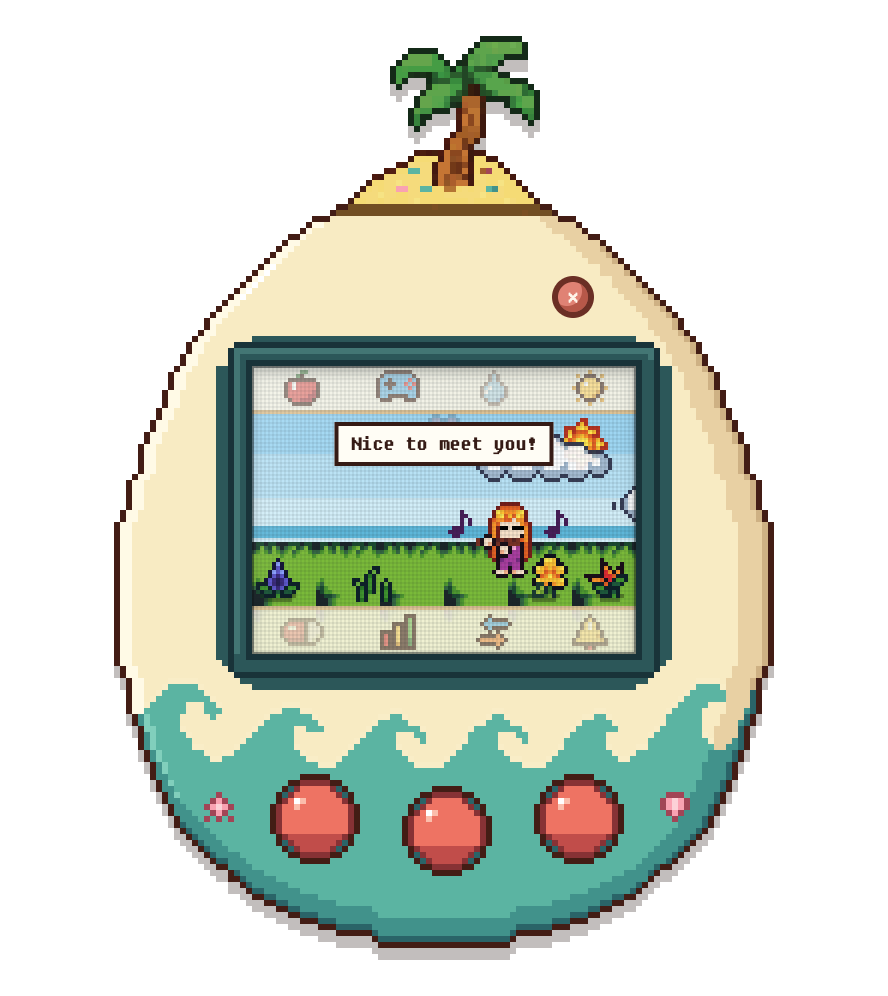
- Pocket Pet: care for your character, a world animal or an aquarium fish in a handheld device, with feeding, play, cleaning and rest.
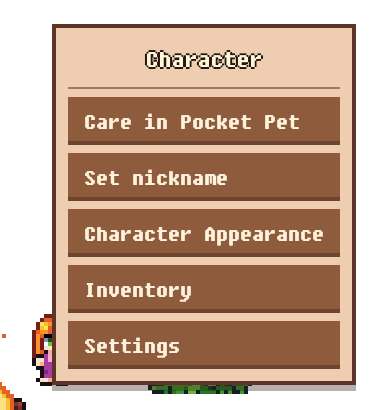
- Open Pocket Pet from the menu bar (macOS) or system tray (Windows), right-click your character or a world animal and choose “Care in Pocket Pet”, or use the Pocket Pet button in Settings.
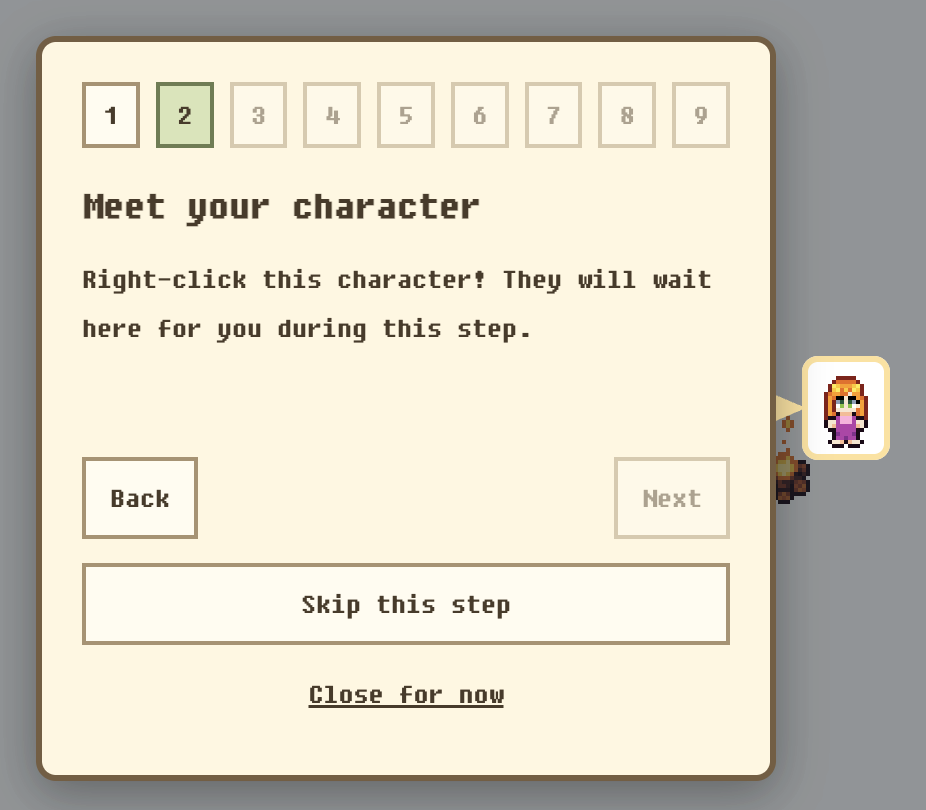
- A hands-on tutorial highlights the menu-bar/system-tray icon and real game controls. Try the world, book, aquarium, Pocket Pet and activity range settings, or replay it from the bottom of Settings.
1.0.11
- Right-click an egg, young animal, or growing crop to pause growth. Resume from the remaining time whenever you like; tooltips show “Growth paused”.
- Updates now show the download percentage and current stage in a dedicated window.
1.0.10
- Open customization, inventory, and settings from the character's right-click menu.
1.0.9
- Choose which monitor Tiny Slow Life appears on, with layout adapted to that display.
1.0.8
- Fixed the beret appearance during watering.
1.0.5
- Improved inventory and dragging performance in worlds with many collected items.
1.0.4
- Reduced lag on Windows.
1.0.3
- Added an always-on-top toggle and improved Windows window layering and freezing behavior.
1.0.1
- Improved save recovery to help preserve gameplay data.
1.0.0
- Tiny Slow Life 1.0.0: the first release.